Focus that counts
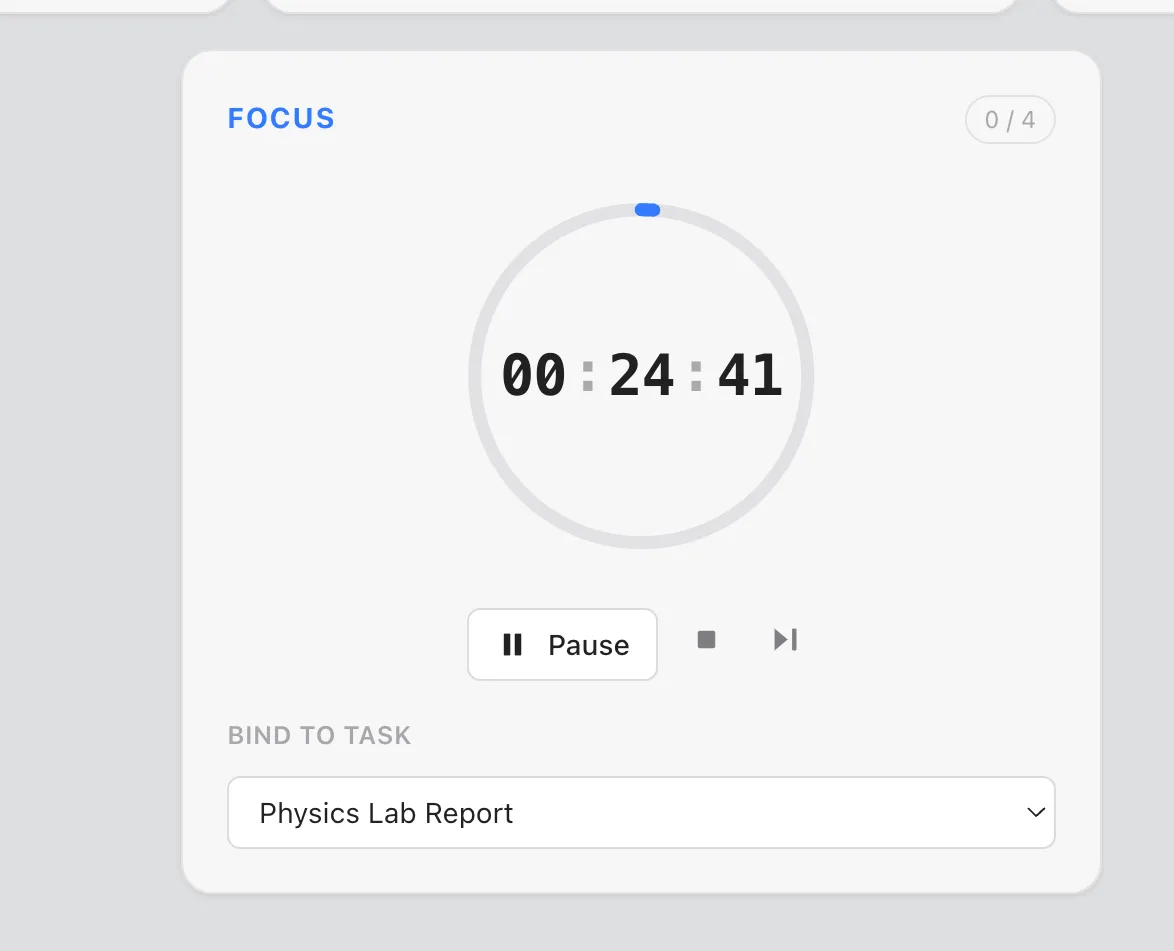
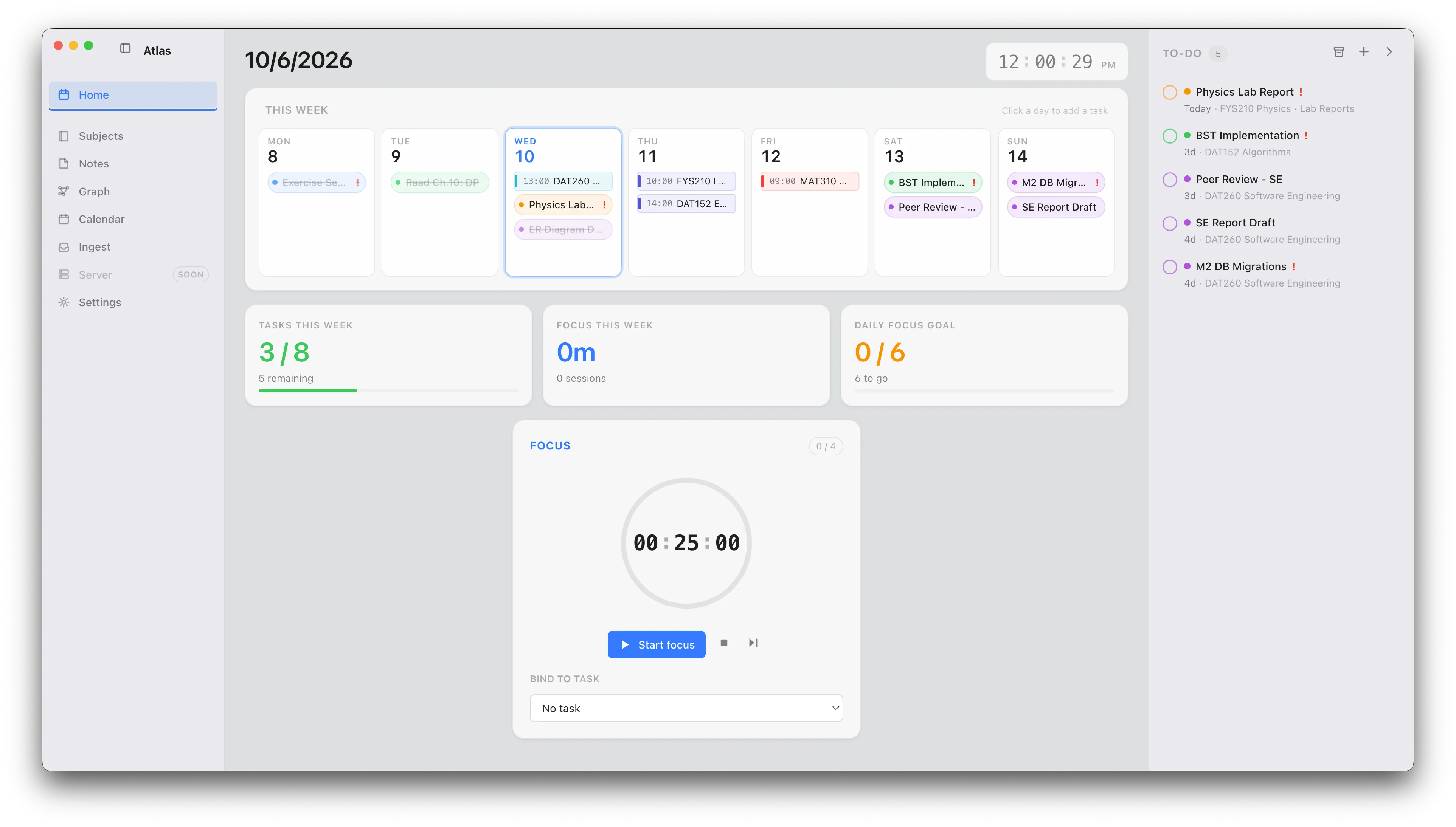
A built-in Pomodoro timer — 25/5/15, long breaks, auto-start. Start a session from a task and the time rolls straight into your weekly focus metrics.
Productivity dashboard · macOS
Atlas brings your week, tasks, Pomodoro focus, notes and calendar into a single window — running entirely on your Mac.
A built-in Pomodoro timer — 25/5/15, long breaks, auto-start. Start a session from a task and the time rolls straight into your weekly focus metrics.
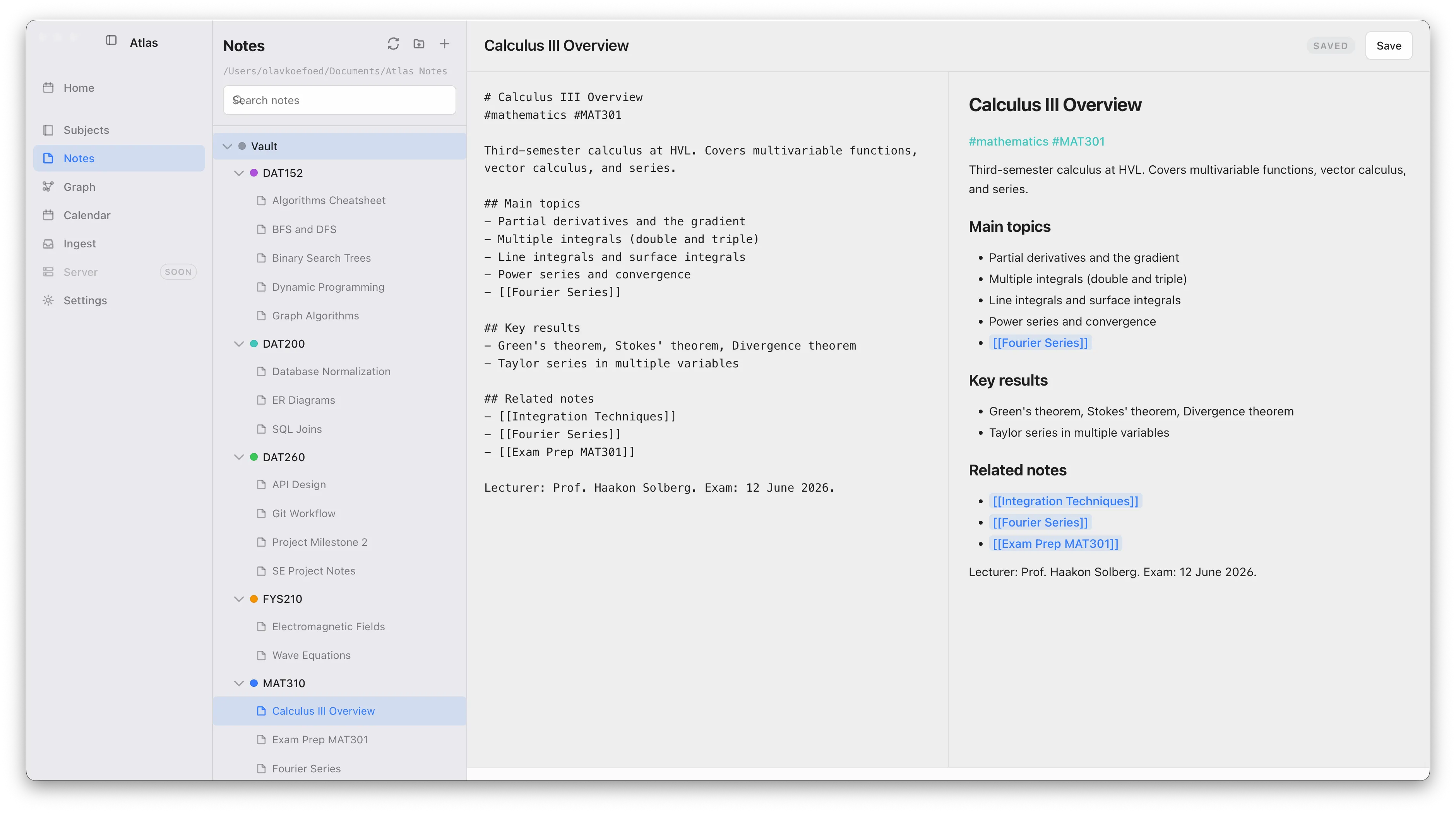
Plain-markdown notes on disk with a live-preview editor. Link anything with [[wiki-links]], #tags and @mentions, then see it all in a connected graph of notes, subjects and tasks.
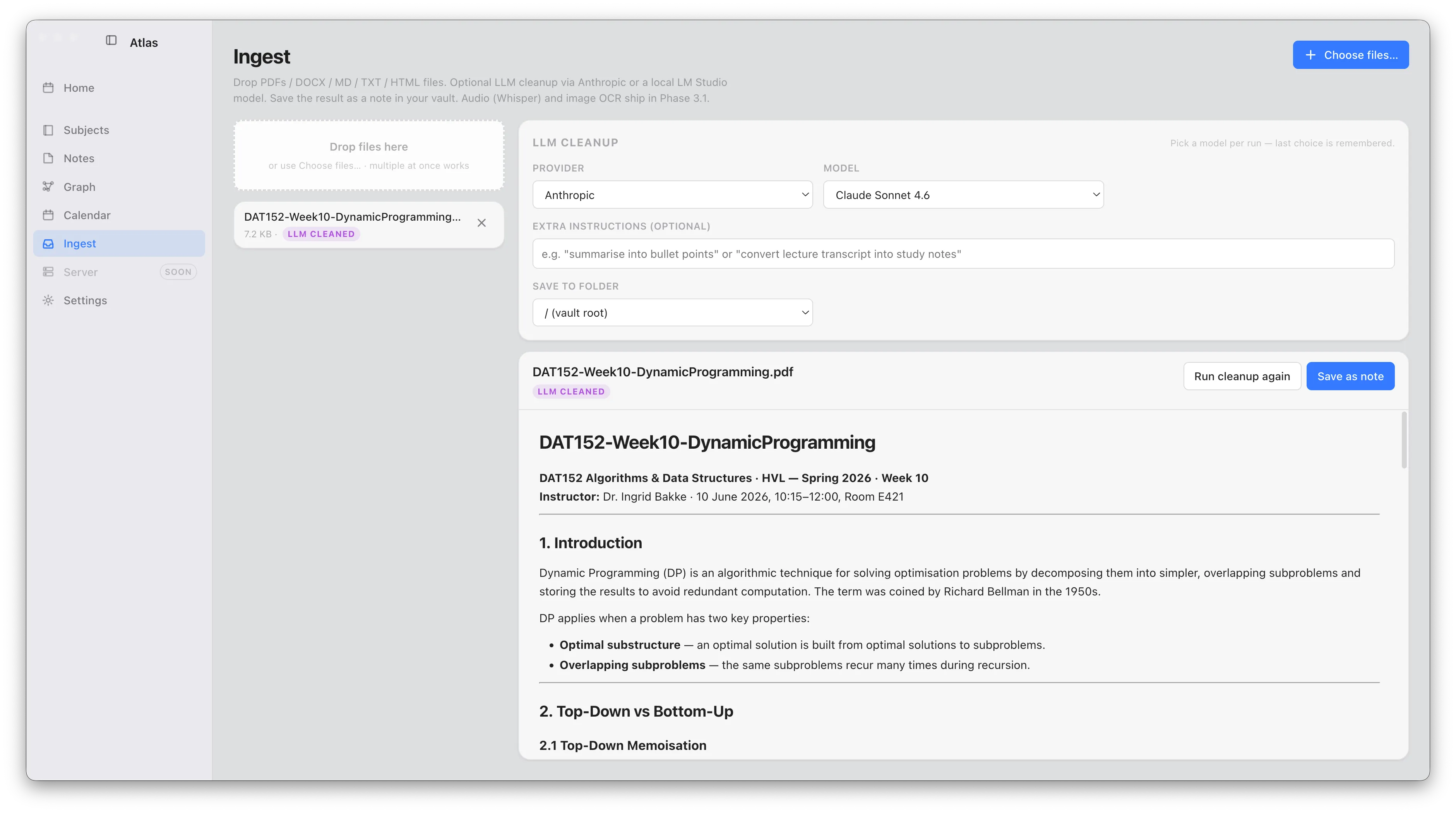
Drag in PDFs, slides, audio or images. Atlas converts them to markdown, transcribes audio and reads images on-device, then tidies the result with the LLM you choose.
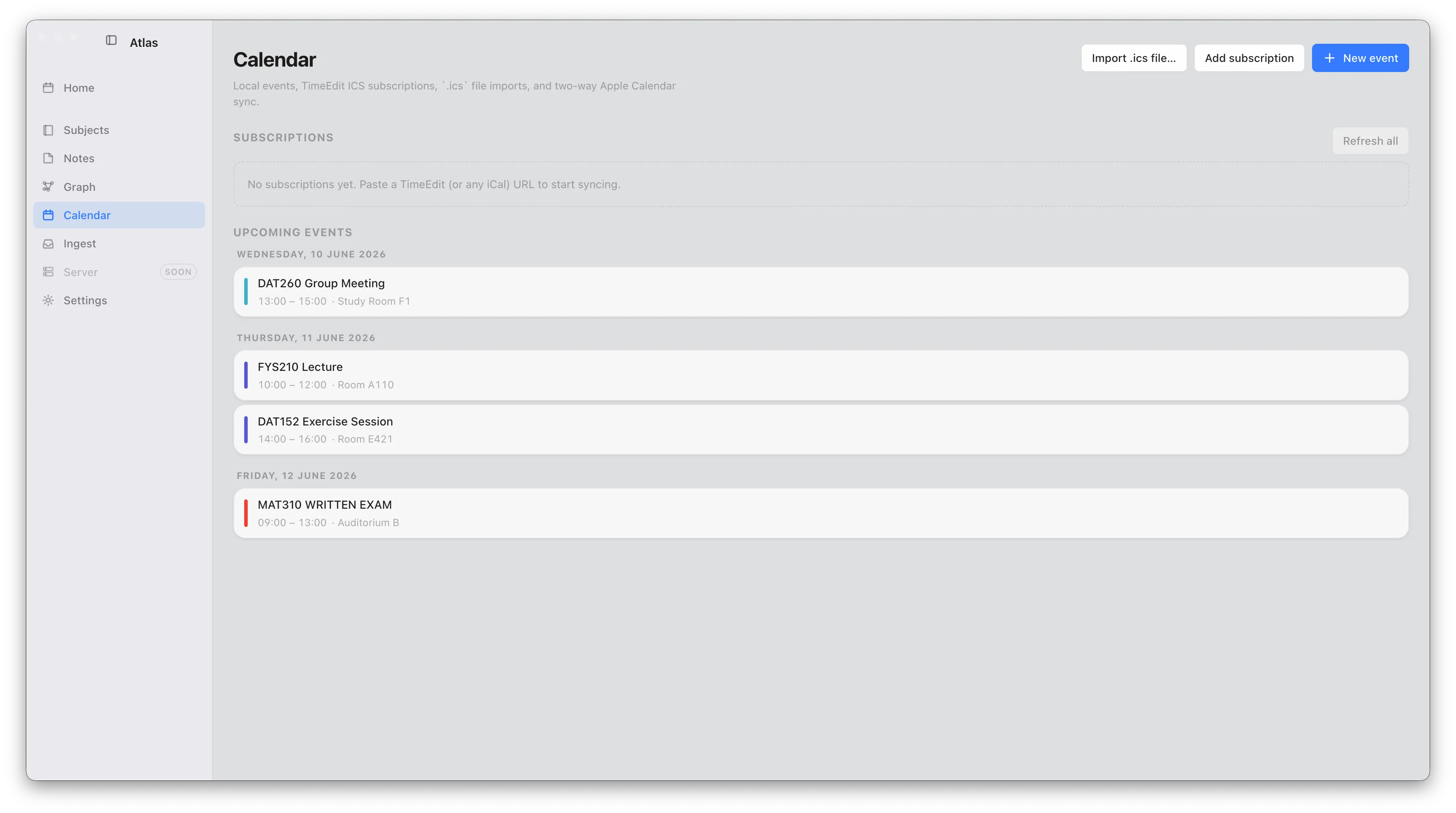
Subscribe to your TimeEdit feed and read or write Apple Calendar events — all on the same weekly grid as your tasks.
No cloud, no account, no sync, no telemetry. Your data is SQLite and markdown files on your Mac — nothing leaves it unless you ask it to. How privacy works →